
Smart Lock Stopped Working
A smart lock that won’t respond – whether it’s ignoring your code, refusing to connect to your app, or sitting completely dead – almost always comes down to one of three things: dead or failing batteries, a firmware or connectivity glitch, or a mechanical fault inside the lock body itself. Most of these are fixable the same day. If your lock is physically stuck and you can’t get in or out, treat it as a lockout and call (877) 664-8139 right now – a live person will answer.
Smart locks combine two things that can fail independently: the electronic side (batteries, circuit board, wireless radio, firmware) and the mechanical side (the bolt, the motor that drives it, the spindle, the mounting hardware). When the electronic side fails, you usually get warning signs – a blinking light, a low-battery beep, an error code on the keypad. When the mechanical side fails, you’ll feel it: the bolt binds, the motor strains audibly, or the whole unit feels loose on the door. Knowing which side is misbehaving tells you how urgent the situation is and what kind of fix it needs.
Why It Happens
Dead or Critically Low Batteries
This is by far the most common reason a smart lock stops working, and it catches people off guard because most models don’t give much warning before they quit entirely. If your lock was responding intermittently before it stopped, or if it worked once this morning and won’t now, batteries are the first suspect. Many models will chirp, blink red, or send a low-battery notification before they fail – if you missed those alerts, the fix may be as simple as a fresh set.
Lost Wi-Fi, Z-Wave, or Bluetooth Pairing
Smart locks that talk to a hub, a bridge, or directly to your phone can drop their connection after a router change, a firmware update, a power outage, or a hub reboot. The lock itself may still work fine from the keypad or with a physical key – it just won’t respond to the app. If your keypad code still works but the app says “device offline” or “unable to connect,” you’re almost certainly looking at a connectivity issue, not a broken lock.
Motor or Drive Gear Failure
The small motor that throws and retracts the bolt on a smart lock runs through a set of plastic or metal drive gears. On high-traffic doors, those gears wear down over time – and they wear faster if the door is misaligned and the bolt is binding against the strike plate every time it moves. You’ll usually hear this before you feel it: a grinding or clicking sound when the lock tries to cycle, or a motor that hums for a few seconds and then gives up without moving the bolt.
Door or Frame Misalignment
Houses move. Seasons change. A door that fit perfectly when the lock was installed three summers ago may have shifted enough that the bolt now hits the edge of the strike plate instead of dropping cleanly into it. The lock isn’t broken – it’s working against an obstacle. This one is easy to check: try throwing the bolt manually with the door open. If it moves freely, then lock and unlock with the door closed. If it binds only when the door is shut, misalignment is your answer.
What to Do Right Now
- Check the obvious first. Open the battery cover and look at what’s in there. If the batteries are more than a year old, or if you’re not sure when they were last changed, swap them out with fresh alkaline batteries – name-brand ones, not the drawer miscellany. Do not use rechargeable batteries in most smart locks unless the manufacturer specifically says to; the voltage profile is different and can cause erratic behavior.
- Test the physical key. Most smart locks have a traditional key cylinder as a backup. If the physical key works, the lock body is mechanically sound and your problem is electronic. If the key also won’t turn, the issue is mechanical or the door is misaligned – stop forcing it and call us.
- Try a hard reboot before anything else on the app side. Remove the batteries, wait 30 seconds, reinsert them. Many firmware and connectivity glitches clear themselves with a simple power cycle. If the lock comes back to life, go into your app and confirm it’s reconnected to your network or hub.
- Do not force a stuck bolt. If the motor is running but the bolt isn’t moving, or if you can hear straining sounds, stop cycling the lock. Forcing a failing motor burns it out faster and can strip the drive gears entirely, turning a repair into a replacement. Leave it where it is and call for a technician.
- Photograph the error codes. Most smart locks display a light pattern or a number code when something is wrong. Take a photo of it before you start pressing buttons. That code tells a technician a lot, and it takes two seconds to capture while you’re standing there.
How We Fix It
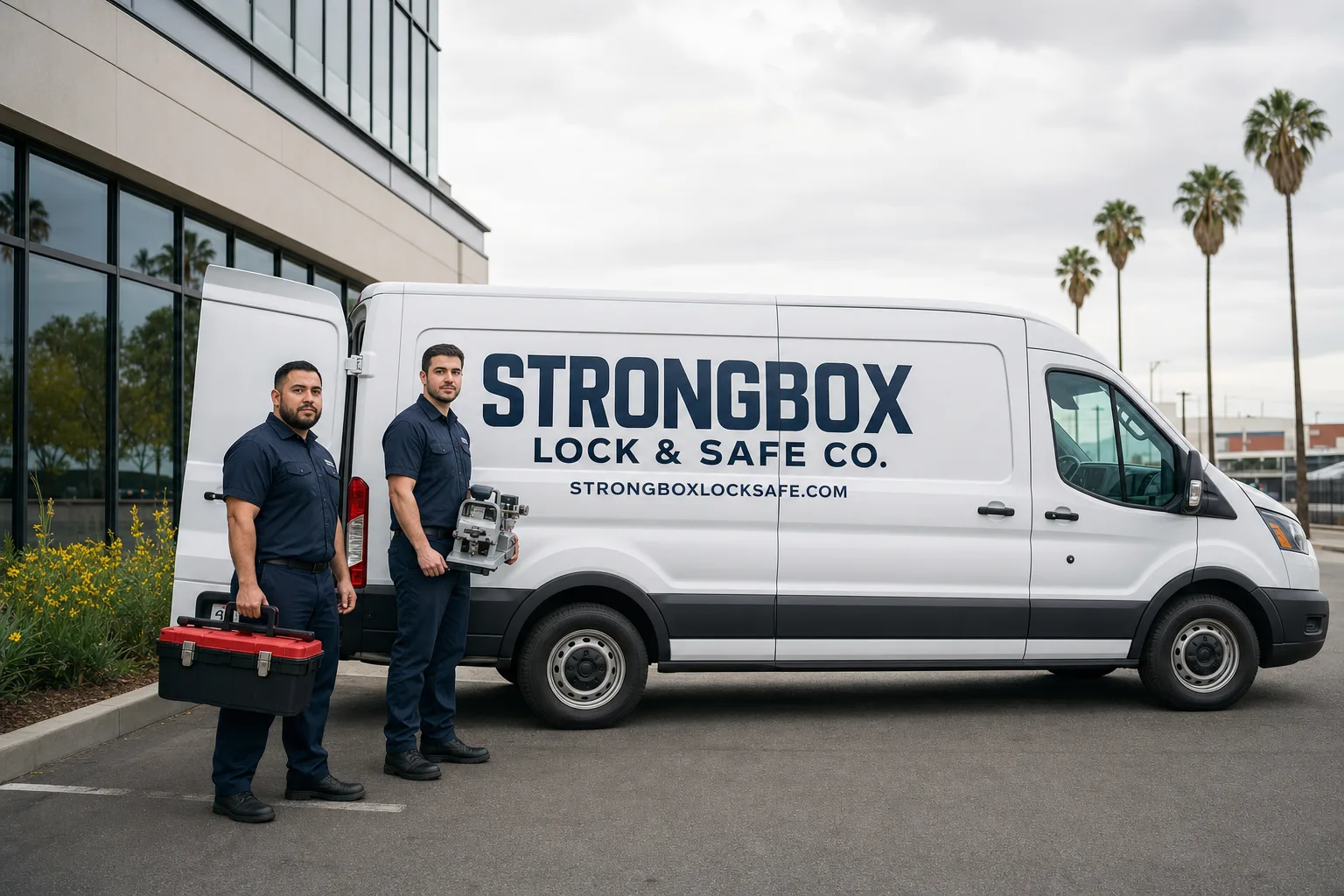
When your local Strongbox Lock & Safe Co. team arrives, the technician will introduce themselves, show ID at the door, and take a few minutes to actually diagnose the lock before touching a tool. That part matters – a lock that looks dead from a drained battery looks identical to a lock with a failed circuit board from across the room, and the fix is completely different.
Once we know what’s wrong, we’ll give you a written price before any work begins. That’s the number on the invoice when we’re done – no revisions, no surprises. Most battery replacements, connectivity resets, and drive gear swaps are finished in a single visit. If the lock body itself is damaged beyond repair, we carry a full range of replacement hardware – Schlage, Medeco, Mul-T-Lock, Kwikset, Yale, and others – and we can often install the same day. If the door alignment is causing the problem, we correct the strike plate or adjust the hinges as part of the same call. This falls under our residential locksmith and lock installation services, and every job is backed by the 90-Day Done Right Promise: if something isn’t right within 90 days, we come back. In writing. No arguing, no extra paperwork.
Frequently Asked Questions
It depends on what state the bolt is in. If the bolt is fully retracted and the door can’t be secured from the inside, yes – treat it as urgent and call (877) 664-8139 right away. If the bolt is extended and the door is locked, you’re locked out but your home is secure while you wait. If the lock is stuck mid-cycle and you can’t tell, assume the worst and call – a live person answers around the clock, including nights, weekends, and holidays.
Yes. Your local Strongbox Lock & Safe Co. team handles smart lock calls the same day, and our phones are answered by a live person 24 hours a day. Call (877) 664-8139, tell us what the lock is doing, and we’ll get a background-checked, uniformed technician on the way.
That depends on the age of the lock, the cause of the failure, and what you’d be replacing it with – and that’s exactly the conversation we have with you before any work starts. A drive gear swap on a two-year-old Schlage smart lock is almost always worth doing. A five-year-old lock with a fried circuit board might be better replaced with a current model that has better integration and battery life. We’ll give you the honest answer and a written estimate for both options, so you can decide without any pressure.
If the lock is brand-new and failed on its own without any installation or door-fit issues, the manufacturer warranty may cover the hardware – it’s worth a call to them first. But if the issue is related to installation, door alignment, connectivity setup, or anything beyond the lock body itself, that’s outside what manufacturer support can help with. We can diagnose it quickly and tell you which category you’re in. And if you’ve already gotten a written estimate somewhere else, we’ll give you a free second opinion on it.
Get It Fixed
Call (877) 664-8139 – a live person answers every call, day or night – or book online. Your local Strongbox Lock & Safe Co. team will diagnose the problem, give you a written price before anything starts, and back the work for 90 days. Most smart lock calls are handled in a single visit.
Written by Gil Navarro, Owner at Strongbox Lock & Safe Co., serving local communities since 1984.